PERSONAL WEBSITES & INVITATIONS
Make a photo memory website.
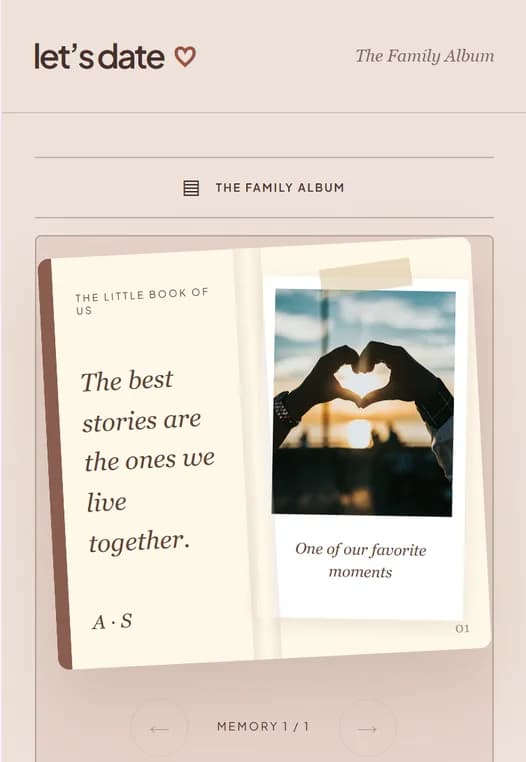
A photo memory website is an album you can share through a link. Give each photo a caption, arrange the pages in the order you want them opened, and add a letter that ties the moments together.
Start with a local draft. Share a one-photo guest gift or sign in for full-gallery publishing. Recipients do not need an account.
MAKE IT PERSONAL
Photo Memory Website Maker
Pick a handful of moments
A strong cover, a few scenes in order, and a final photo work well for a trip, family milestone, or anniversary. Use captions to add details people cannot see in the photograph, such as the song playing or who told the joke.
Try the album on a phone
Upload your photos, reorder them, and adjust the cover crop. Preview the album on a narrow screen and check that the captions still read comfortably.
Choose how to share it
Guest publishing supports one photo for 30 days. Verify your email for full-gallery publishing with up to 20 photos per site. You can add a password and send it separately from the link.
FROM IDEA TO THEIR SCREEN
Make it in a few thoughtful steps.
Choose a starting style
Choose the occasion, then a template. Every occasion can use every style.
Add what matters
Add your letter, pictures, captions, and memories. Hide unused sections and enter only confirmed event details.
Preview and publish
Check the recipient view. Share a guest gift with one photo, or verify your email to publish a full gallery or add a password.
Share your link
Copy the short link or use WhatsApp, email, native sharing, or QR. Edit the draft and publish again to update the same live page.
A little clarity before you start.
Which photo formats can I upload?
The editor accepts JPEG, PNG, and WebP photos up to 8 MB each.
Can I change photos after sharing the link?
Yes. Update the draft and publish again to update the live page. Keep a separate copy of the original photos.