PERSONAL WEBSITES & INVITATIONS
Another year. Your story, beautifully kept.
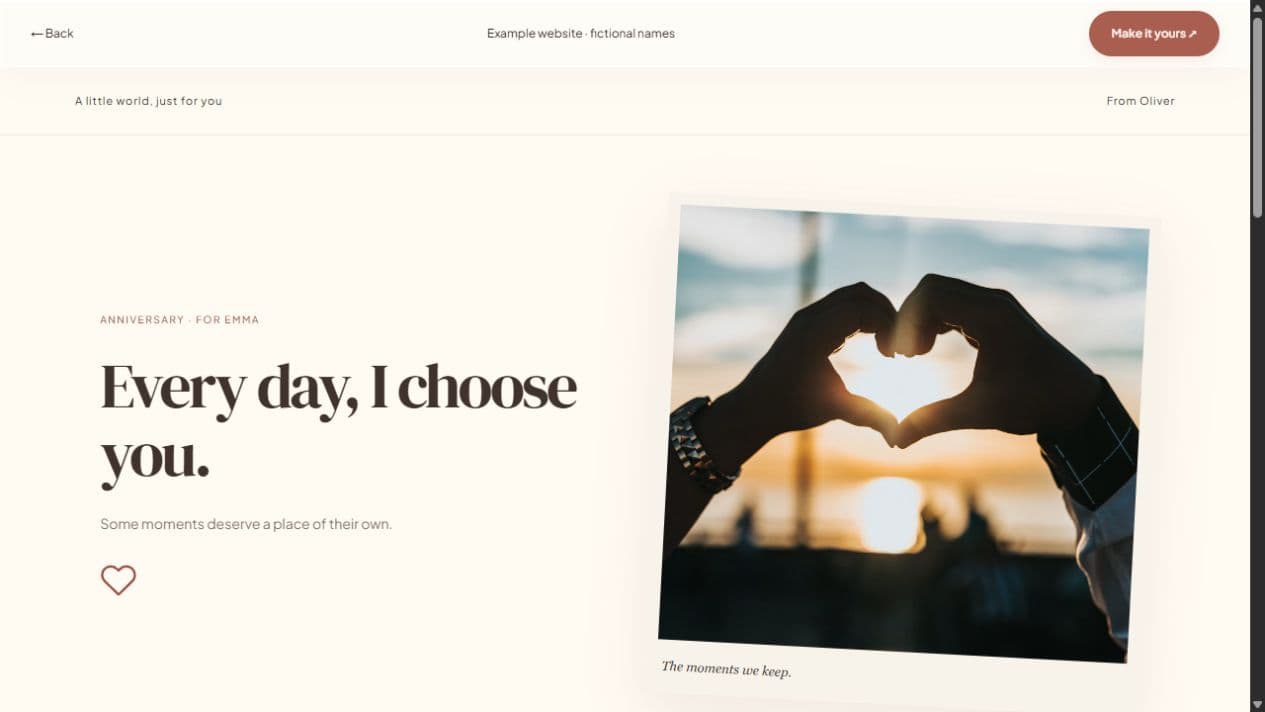
An anniversary website is a place for the moments that do not fit in a single message. Bring together your favorite photographs, a letter, and a timeline of the memories you share. Make a private surprise for your partner or a little page you can revisit together.
Start with a local draft. Verify your email to publish. Guests do not need an account.
MAKE IT PERSONAL
Anniversary Website Maker
Tell the story only you know
Start with one memory that feels unmistakably yours. It could be your first conversation, an ordinary Sunday, or the day you realized home could be a person. Add a timeline with a few meaningful milestones instead of trying to document everything. The details you remember matter more than perfectly polished wording.
Choose photographs with a purpose
Use a cover picture that still reads well on a narrow screen. Add up to 20 photographs with captions and alternative text. Mix the big milestones with everyday moments: a kitchen table, a road trip, the two of you laughing. Reorder the gallery and hide sections that do not belong in your story.
A gift page or a celebration invite?
For a gift, keep the letter and photographs at the center and leave event details hidden. If you are inviting friends to an anniversary dinner, use the anniversary invitation page instead. You can publish updates later at the same link, but save a personal copy of important memories rather than treating the website as your only archive.
FROM IDEA TO THEIR SCREEN
Make it in a few thoughtful steps.
Choose a starting style
Choose the occasion, then a template. Every occasion can use every style.
Add what matters
Add your letter, pictures, captions, and memories. Hide unused sections and enter only confirmed event details.
Preview and publish
Check the recipient view. Sign in, verify your email, and publish. Optional passwords add an access step.
Share your link
Copy the short link or use WhatsApp, email, native sharing, or QR. Edit the draft and publish again to update the same live page.
A little clarity before you start.
Does an anniversary website need RSVP?
No. Guest responses are optional. A personal anniversary gift can be just a letter, photographs, and memories.
Can I add a password?
Yes. Set a password before publishing. Send it separately when you share the link, and remember recipients can still save what they view.
Can I customize the design?
Yes. Start with any of the 12 styles, then edit colors, typography, rounded corners, gallery layout, decorations, and section headings.