PERSONAL WEBSITES & INVITATIONS
Celebrate another chapter, together.
An anniversary party invitation brings your people into the celebration. Share why the milestone matters, add confirmed dinner or party details, and collect replies in your dashboard. Give guests the information they need without losing the personal feeling of the occasion.
Start with a local draft. Verify your email to publish. Guests do not need an account.
MAKE IT PERSONAL
Anniversary Party Invitation Maker
Put guest information first
Name the people being celebrated and explain whether the gathering is a dinner, party, or casual afternoon. Only include a venue once it is confirmed. Check the date, time, and timezone before publishing so guests know when to arrive. If the celebration is a surprise, say so clearly and avoid sending the page to the guest of honor.
Add a little history
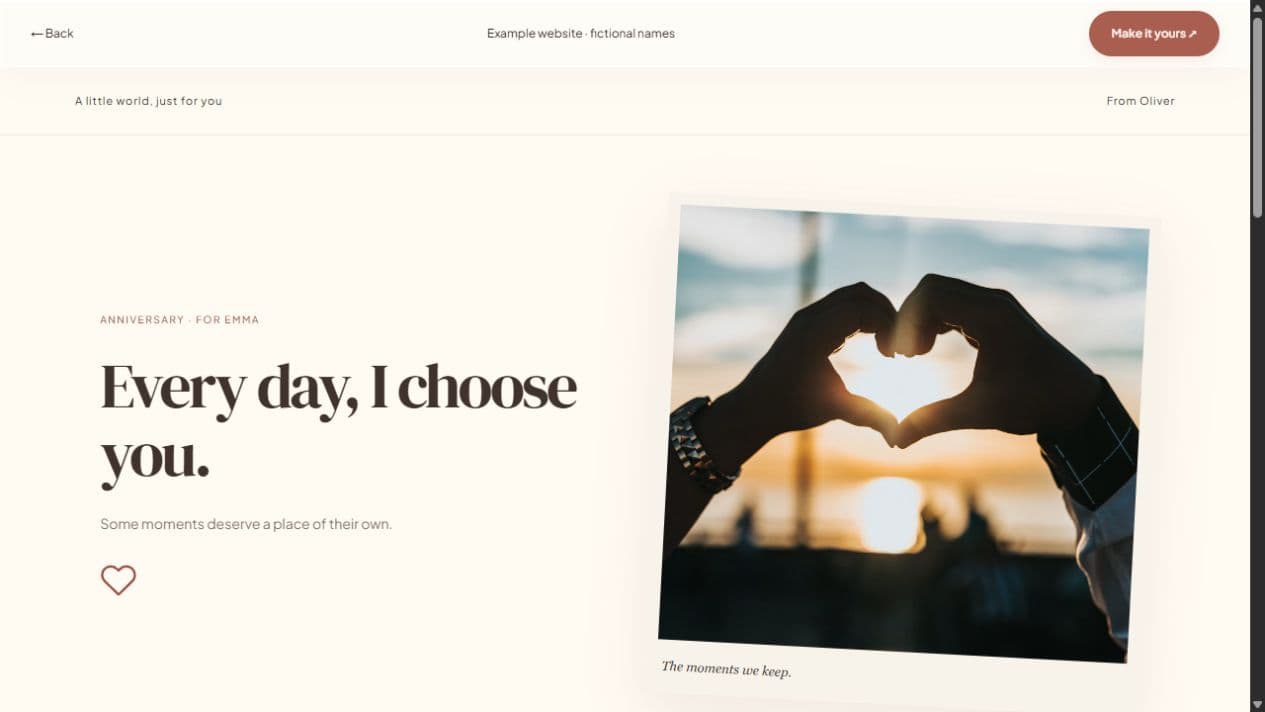
A short letter and a few photographs can introduce the couple’s story without making guests scroll through an entire album to find the time. Choose captions that friends and family will understand. Ask permission before using other people’s photographs and avoid including home addresses in the public introduction.
Keep replies in one place
Enable guest responses for yes, no, or maybe, an optional note, and guest count. Review responses in your dashboard before planning food or seats. The form is a simple reply tool; it does not create a venue reservation or automatically organize catering. Publish changed plans explicitly so the shared page stays current.
FROM IDEA TO THEIR SCREEN
Make it in a few thoughtful steps.
Choose a starting style
Choose the occasion, then a template. Every occasion can use every style.
Add what matters
Add your letter, pictures, captions, and memories. Hide unused sections and enter only confirmed event details.
Preview and publish
Check the recipient view. Sign in, verify your email, and publish. Optional passwords add an access step.
Share your link
Copy the short link or use WhatsApp, email, native sharing, or QR. Edit the draft and publish again to update the same live page.
A little clarity before you start.
Can guests tell us how many people are coming?
The response form supports guest count and an optional message. The creator can view replies in the dashboard.
Can guests add the event to their calendar?
Calendar downloads use the event date, time, and timezone you enter. Check those details before sending the invitation.
Is this the same as an anniversary gift website?
The tools are shared, but this page focuses on inviting guests. The anniversary website page focuses on a personal letter and memories for your partner.