PERSONAL WEBSITES & INVITATIONS
More than a card. A little experience.
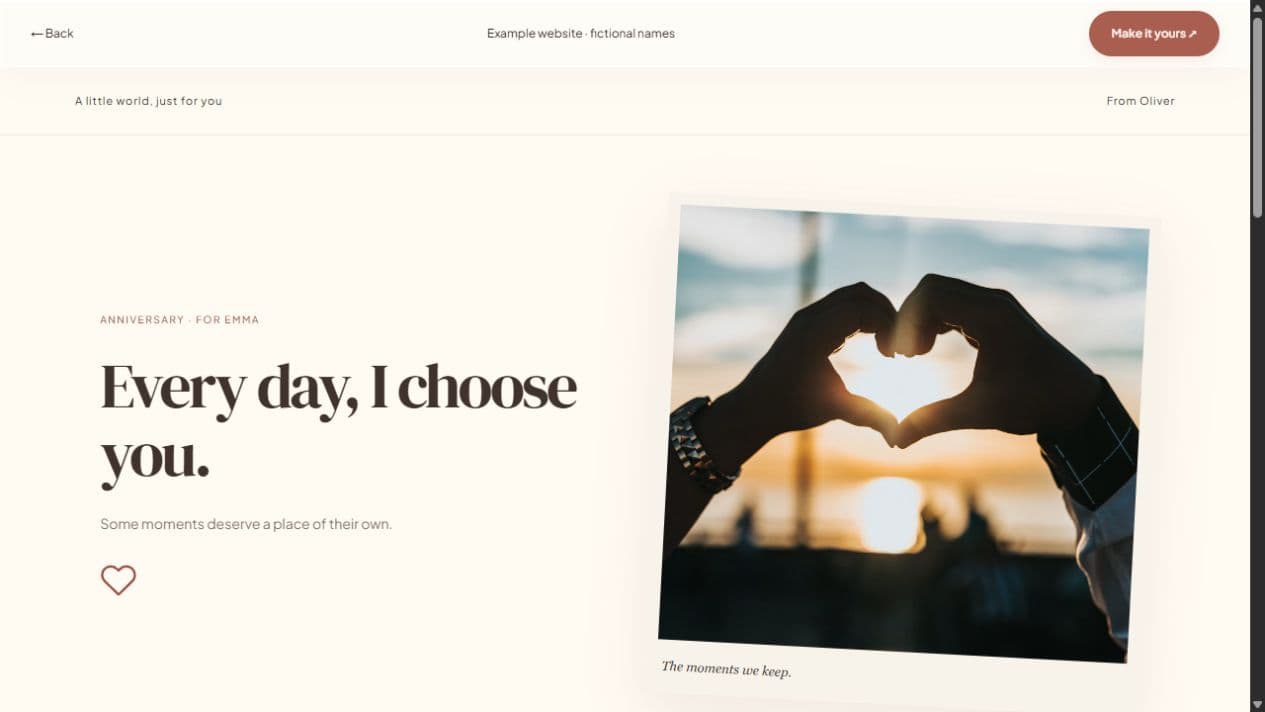
An interactive invitation lets your guests explore a message instead of receiving a flat image. Add photographs, reveal cards, and a personal note, then include event details or a response form when they are useful. The finished page opens through a link in a browser.
Start with a local draft. Verify your email to publish. Guests do not need an account.
MAKE IT PERSONAL
Interactive Invitation Maker
Give every interaction a reason
Reveal cards can hold a memory, a clue, or a short thank-you. Use up to ten cards, and make the main invitation readable without opening them all. Important information such as a venue or date belongs in the event section, not behind an optional surprise.
Match the format to the question
Use the full studio for stories and celebrations. If you simply want to ask someone out and collect a reply, the quick invitation studio is a more focused starting point. Both formats support editable style choices and shareable published links.
Keep motion comfortable
Choose decorations and motion in the style controls, then preview the result. Reduced-motion visitors receive static equivalents for decorative effects. An invitation should still be understandable if an animation does not play or WebGL is unavailable.
FROM IDEA TO THEIR SCREEN
Make it in a few thoughtful steps.
Choose a starting style
Choose the occasion, then a template. Every occasion can use every style.
Add what matters
Add your letter, pictures, captions, and memories. Hide unused sections and enter only confirmed event details.
Preview and publish
Check the recipient view. Sign in, verify your email, and publish. Optional passwords add an access step.
Share your link
Copy the short link or use WhatsApp, email, native sharing, or QR. Edit the draft and publish again to update the same live page.
A little clarity before you start.
Can I edit the reveal cards?
Yes. Add your own text, reorder cards, or hide that section entirely.
Does it work without downloading an app?
Recipients open the shared link in their browser. They do not need a Let’s Date account or app.
Can I collect responses?
Yes. Enable the optional response form and view guest replies in your dashboard.