PERSONAL WEBSITES & INVITATIONS
One evening. A page worth keeping.
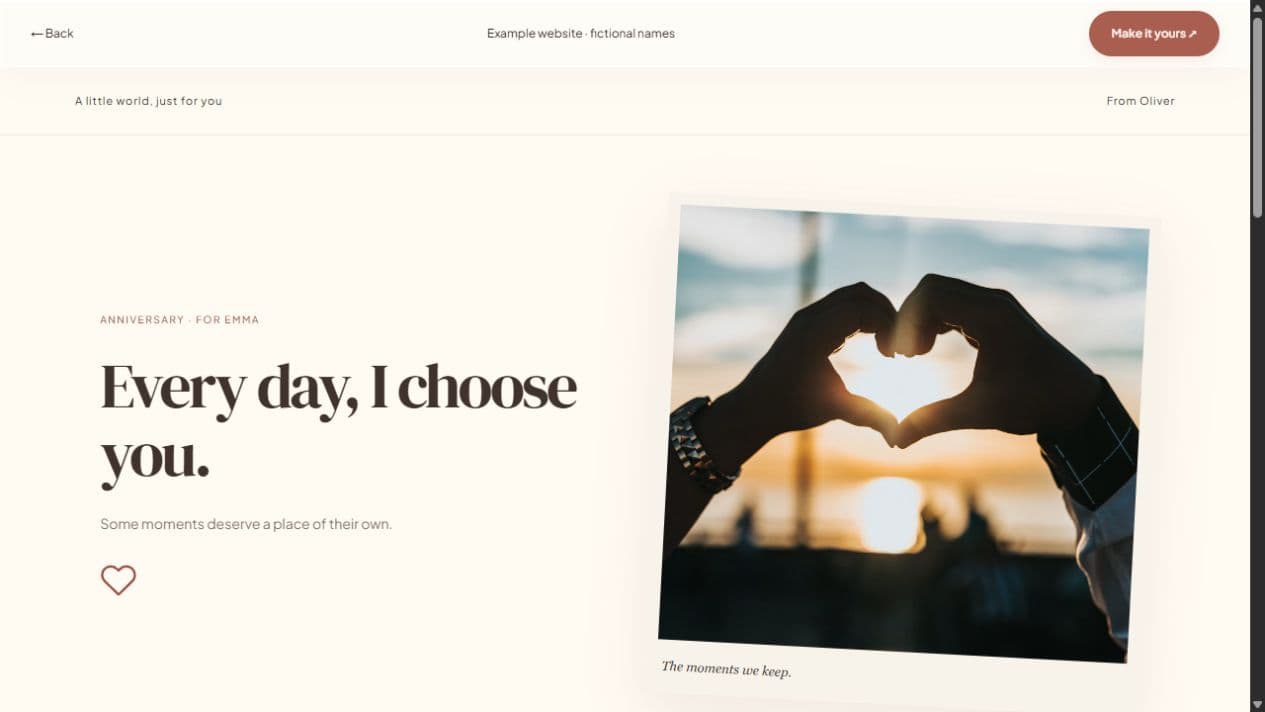
Make a prom invitation that feels personal before the big night. Choose a style, write a note, and add a photograph or a few memories. If you already know the official event details, include them clearly so the person you invite can make an informed plan.
Start with a local draft. Verify your email to publish. Guests do not need an account.
MAKE IT PERSONAL
Prom Invitation Website
Keep school and personal details limited
Do not put student IDs, private contact details, or a home address into a shared invitation. Use official event information only when you are allowed to share it. A link can be forwarded beyond the person you send it to, even when the page is excluded from search.
Make the plan a conversation
Explain whether you are asking about attending together or simply sharing an invitation to the event. Discuss transport, permissions, tickets, and other arrangements directly; Let’s Date does not buy tickets or organize travel.
Let the design support the moment
Try Starlight for a darker style or a simple letter for a quieter invitation. Every template is editable. If all you need is the question and an answer, start with a promposal instead of filling an entire website.
FROM IDEA TO THEIR SCREEN
Make it in a few thoughtful steps.
Choose a starting style
Choose the occasion, then a template. Every occasion can use every style.
Add what matters
Add your letter, pictures, captions, and memories. Hide unused sections and enter only confirmed event details.
Preview and publish
Check the recipient view. Sign in, verify your email, and publish. Optional passwords add an access step.
Share your link
Copy the short link or use WhatsApp, email, native sharing, or QR. Edit the draft and publish again to update the same live page.
A little clarity before you start.
Does the invitation include a prom ticket?
No. This is a personal invitation page. Official tickets and entry requirements are separate.
Can I make it without photos?
Yes. Hide photo sections and focus on a personal note.
Can I use a quick yes/no invitation?
Yes. The prom proposal page points to the quick invitation studio.