THE LET’S DATE GUIDE
How to Make a Valentine Surprise Website
A Valentine surprise website can be a letter, a photo album, or a date question. Choose one purpose first, then add only the sections that help it. Personal details in your words matter more than a complicated design.
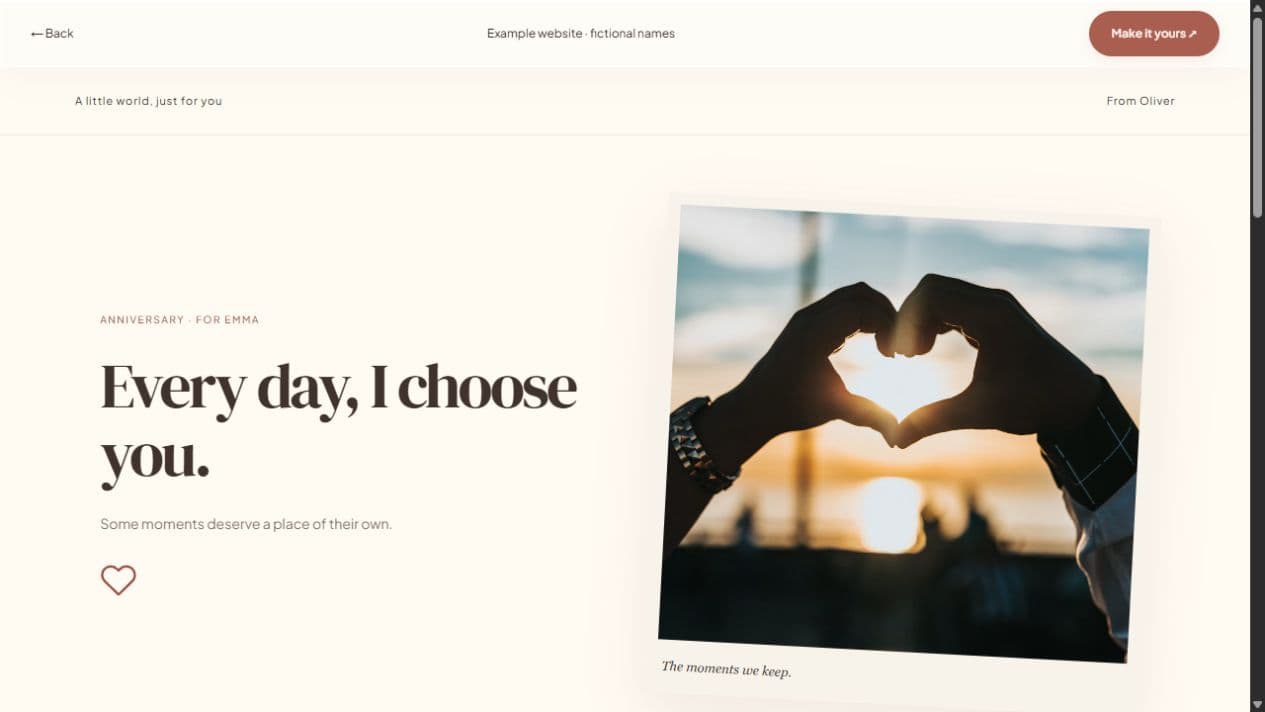
Choose what you want them to open
For a note, keep the headline and letter central. For a date, start in the invitation studio and ask a clear question. For a memory gift, use the full website and choose a gallery or timeline. Deciding this first prevents a small surprise becoming a page full of unrelated sections.
A page can also work for someone far away. Make a letter they can open in their own time, or ask about a remote date. Let’s Date does not provide audio, video hosting, or calls, so arrange any video call through the service you already use.
Make the message specific to this year
Start with something you noticed about them or your time together. It may be a difficult week they helped you through, a funny routine, or a moment you wish you could revisit. A sentence such as “You made that rainy weekend my favorite part of the month” gives the surprise a real memory.
Do not treat the example as a claim about your own relationship. Replace it with a true detail and write the rest in a voice they would recognize. The studio’s suggested words are editable templates, not AI writing or relationship advice.
Use the style controls with restraint
Try Love Letter or Rosewater for a warm note, or Photo Album if photographs are the main gift. You can edit colors, typography, rounded surfaces, gallery layout, decorations, and motion. Choose readable text before decorative color combinations. Preview on a phone where the link is likely to be opened.
A short photo set can feel complete. Add captions that explain why you chose each image and alternative text describing what is shown. Hide event details and guest responses if they do not belong in the gift. Reduced-motion visitors receive static equivalents for decorative animation.
Check a date plan before putting it on the page
If the surprise includes an event, choose its actual date, time, timezone, and confirmed location. The builder does not automatically set February 14, reserve a table, or choose a venue. If you are still deciding together, use availability suggestions rather than presenting a plan as settled.
Think about how your note reads if someone is unavailable that day. A question can leave room for another evening. A warm invitation should not make the date feel like a test or obligation. The recipient can decline or ask for time.
Save the surprise, then share it carefully
Start with a local draft and sign in when you want online saving or publication. Verify your email, publish, and check the short link in a separate browser. A password can add an access step for personal words or pictures. Send the link directly with a short message, rather than revealing the surprise to a group.
Draft changes stay separate from the live version until you publish updates. You can unpublish afterward, but pictures someone has downloaded cannot be recalled. Keep original photographs backed up and omit sensitive details you would not want forwarded.