PERSONAL WEBSITES & INVITATIONS
Your next chapter deserves a little home.
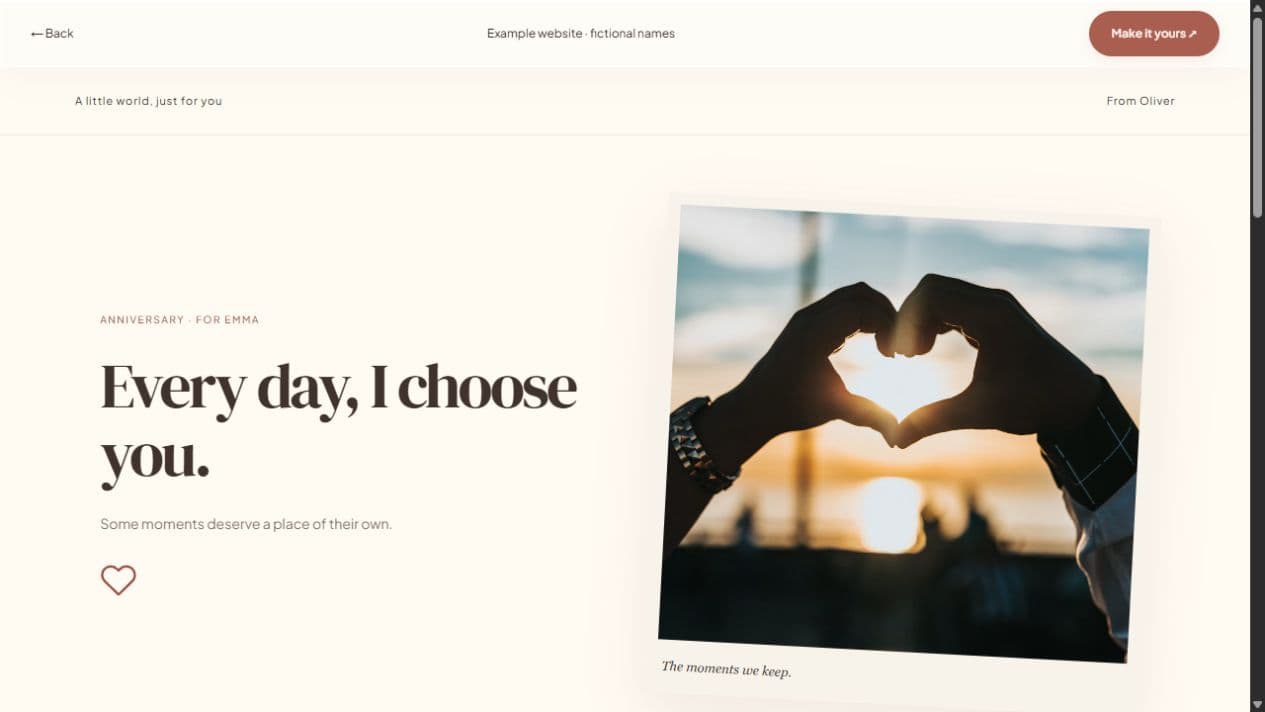
A wedding website can introduce your story and give guests a simple place to find celebration details. Add photographs, a letter, a short timeline, and an event section. Keep the page focused on what your guests need to know and what you want them to feel.
Start with a local draft. Verify your email to publish. Guests do not need an account.
MAKE IT PERSONAL
Wedding Website Maker
Tell your story without hiding the details
Choose a cover photograph that works on mobile and add a few milestones you want to share. Keep the invitation date and location in a visible event section. This builder currently provides one event block per website; do not present several separate ceremonies as if each has its own schedule tool.
Publish confirmed information
Double-check names, event date, time, IANA timezone, and location. Only list a venue after you have confirmed it. Calendar downloads reflect the information you enter, so review the exported event before sharing it with guests abroad.
Set expectations for guest responses
Enable RSVP if you want simple attendance replies and counts. Responses stay in the creator’s dashboard rather than on the public page. The builder does not provide seating charts, meal-choice management, payments, or registry integrations. Include a short note telling guests how to contact you for extra questions.
FROM IDEA TO THEIR SCREEN
Make it in a few thoughtful steps.
Choose a starting style
Choose the occasion, then a template. Every occasion can use every style.
Add what matters
Add your letter, pictures, captions, and memories. Hide unused sections and enter only confirmed event details.
Preview and publish
Check the recipient view. Sign in, verify your email, and publish. Optional passwords add an access step.
Share your link
Copy the short link or use WhatsApp, email, native sharing, or QR. Edit the draft and publish again to update the same live page.
A little clarity before you start.
Can I use a wedding website for an engagement?
Yes. Edit the names, message, and event details to fit your engagement celebration.
How is this different from a digital wedding invitation?
This page emphasizes a fuller story and photo website. The digital invitation page focuses on concise guest information and sharing.
Do guests need a Let’s Date account?
No. They can read the page and respond without creating an account.