PERSONAL WEBSITES & INVITATIONS
Make their birthday feel like them.
Create a birthday page that matches the person you are celebrating. Make a personal photo surprise or invite friends to a party with event details and replies. Use an editable style as your starting point, then add the colors, words, and memories that feel right.
Start with a local draft. Verify your email to publish. Guests do not need an account.
MAKE IT PERSONAL
Birthday Invitation Website Maker
Separate the gift from the guest information
If the page is a gift, start with the person and your message. If it is an invitation, make the party date and confirmed location easy to find. You can combine a short gallery with event details, but keep the practical information readable on a phone.
Keep a surprise manageable
Say clearly if the party is a surprise and choose recipients carefully. Avoid adding a child’s full name, school, home address, or other sensitive information to an unprotected page. A password is useful for family celebrations, but anyone who knows it can share it.
Review replies before making plans
Enable the response form when you need attendance information. Guests can give a name, yes/no/maybe answer, note, and guest count. Use notes to discuss details directly; this is not a ticketing system or a payment collection tool.
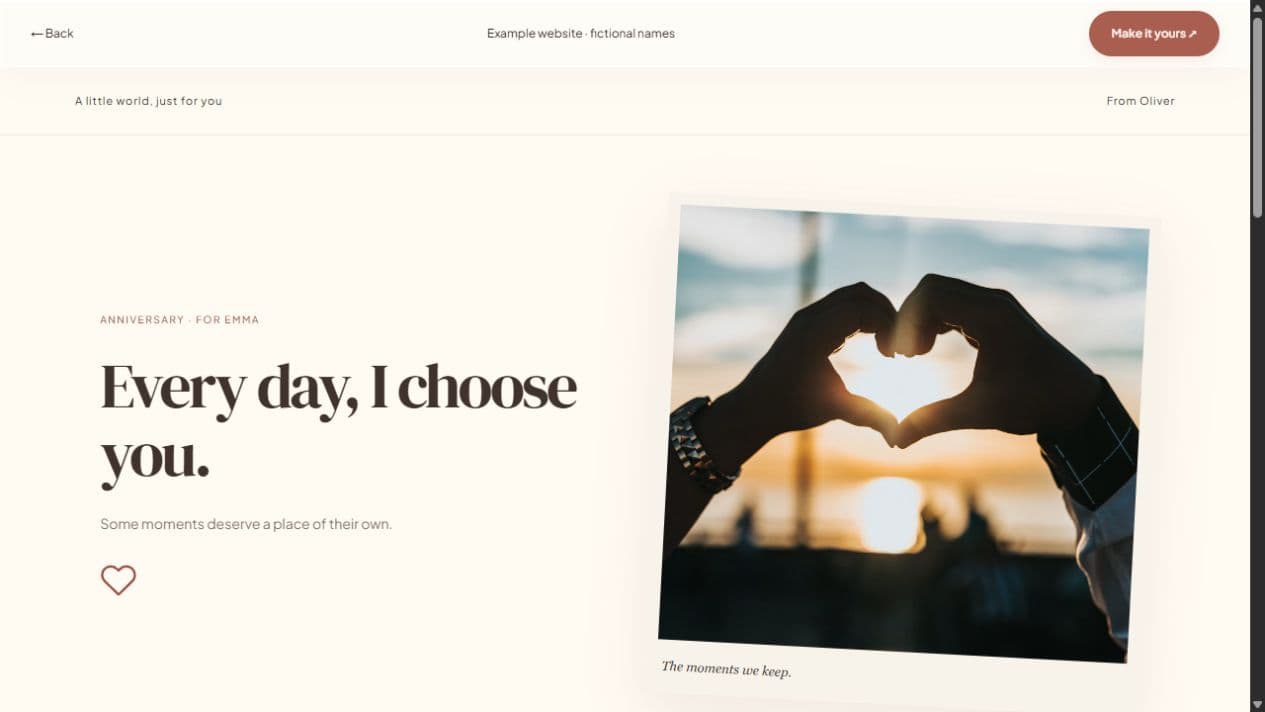
FROM IDEA TO THEIR SCREEN
Make it in a few thoughtful steps.
Choose a starting style
Choose the occasion, then a template. Every occasion can use every style.
Add what matters
Add your letter, pictures, captions, and memories. Hide unused sections and enter only confirmed event details.
Preview and publish
Check the recipient view. Sign in, verify your email, and publish. Optional passwords add an access step.
Share your link
Copy the short link or use WhatsApp, email, native sharing, or QR. Edit the draft and publish again to update the same live page.
A little clarity before you start.
Can I make a birthday surprise without a party?
Yes. Hide the event and response sections and build a page around your letter and photographs.
Can I update the party location?
Yes. Edit the event details and publish updates. Guests keep using the same link.
Can all birthday invitations use all styles?
Yes. Occasion presets do not restrict your template choice.